PodCut sees who's talking, reads lips and follows the music to pick the right camera every moment. You get the edited project back in the editor you already use.
Free: 3 podcasts a month and unlimited short videos.
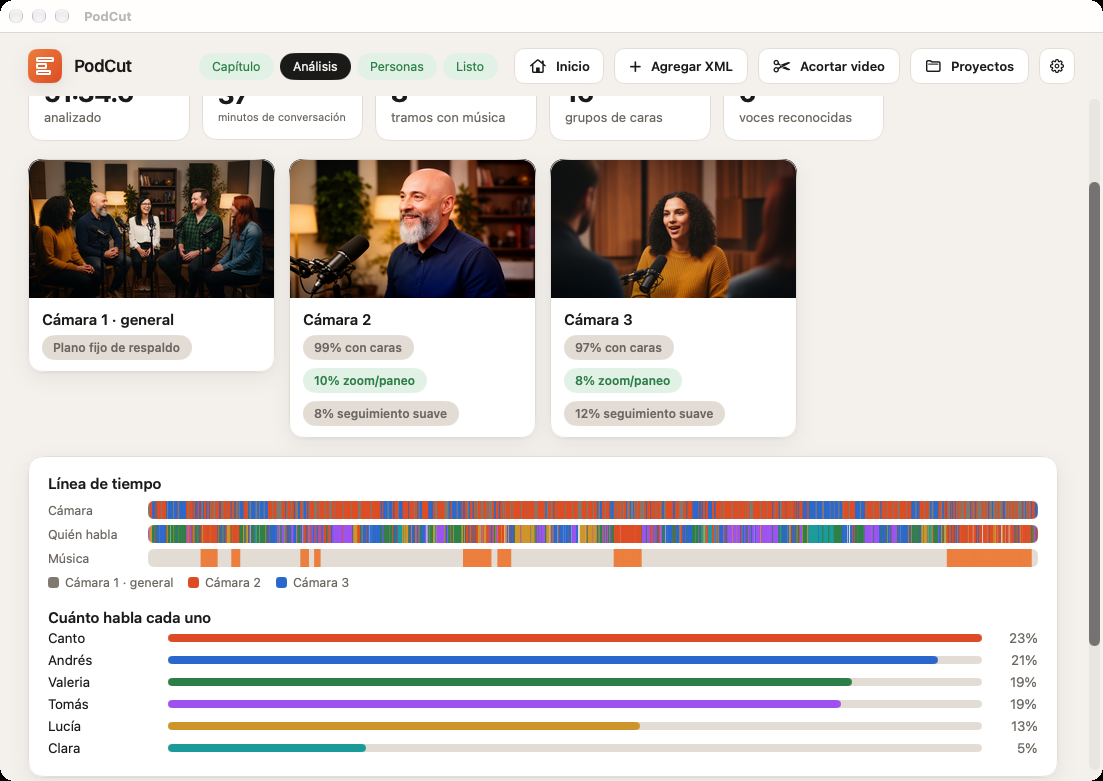
Three real minutes of a chapter. PodCut made every cut: who to show, how long each shot lasts and when to go wide.


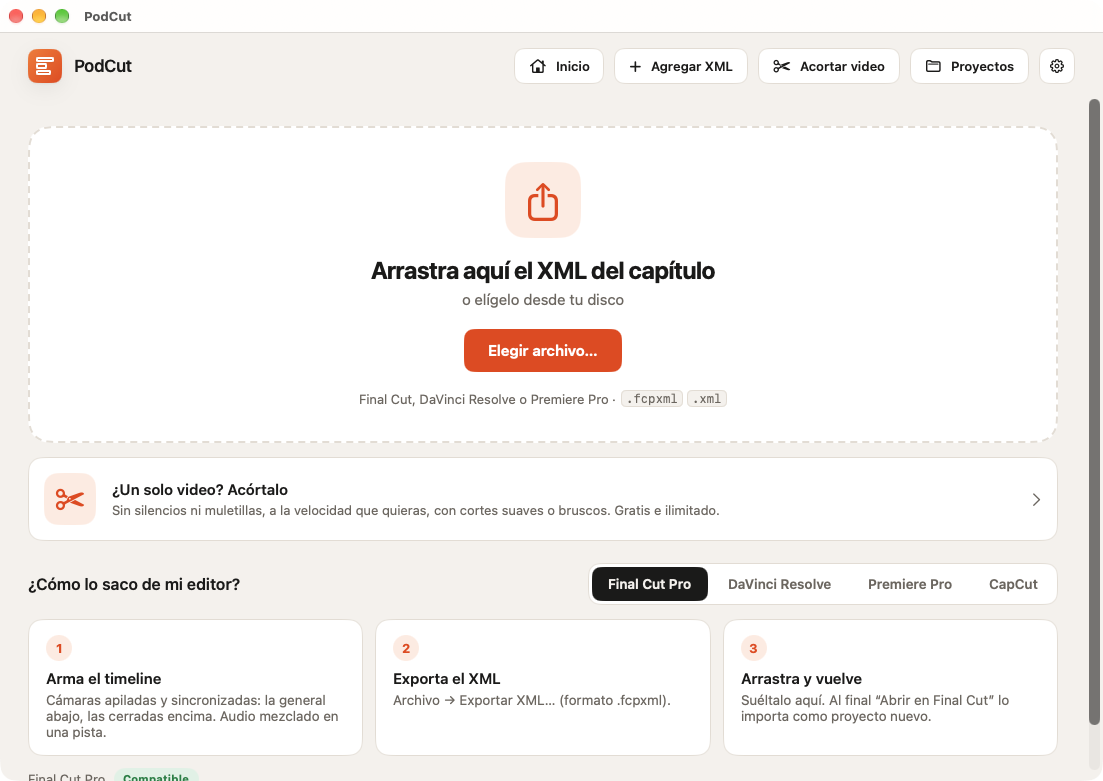
Export the timeline with the cameras in sync and drop it. PodCut finds every camera, its files and the audio.
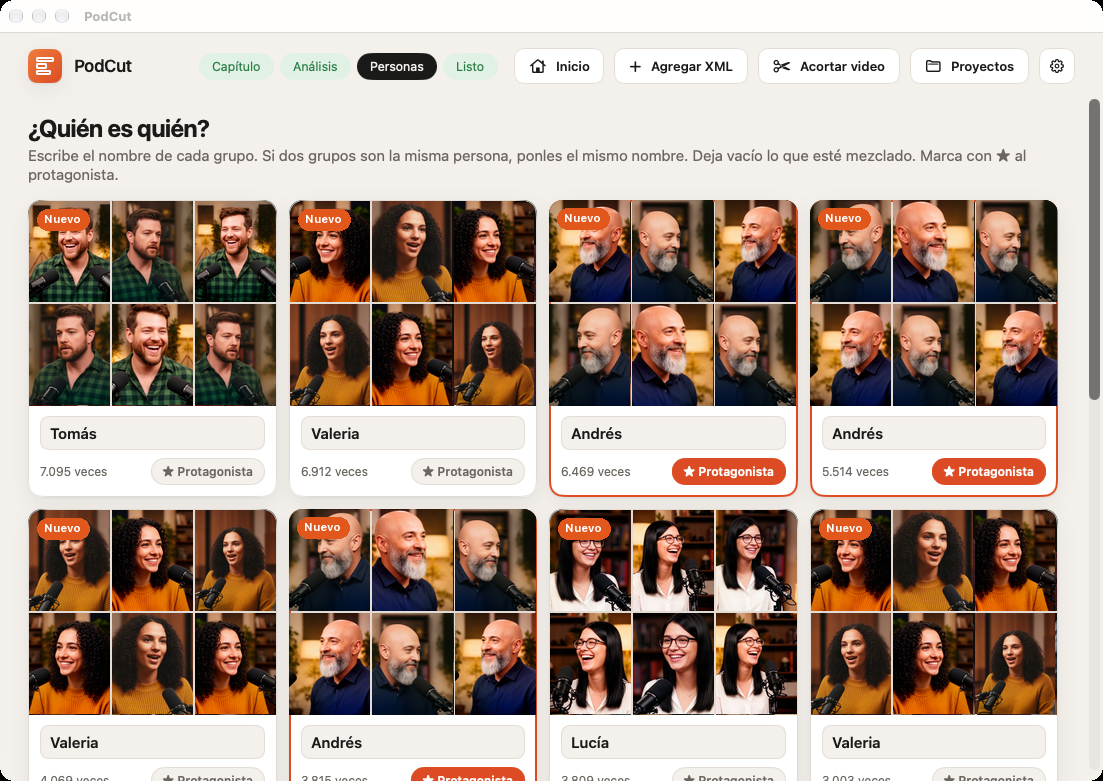
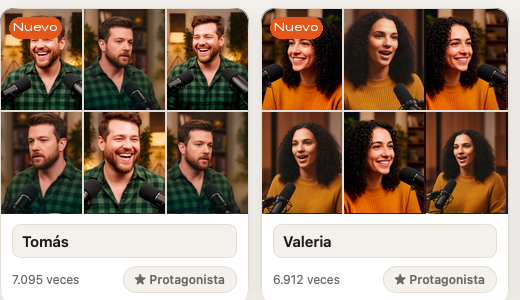
It groups the faces by itself; you name them once. In the next chapters it already knows them.
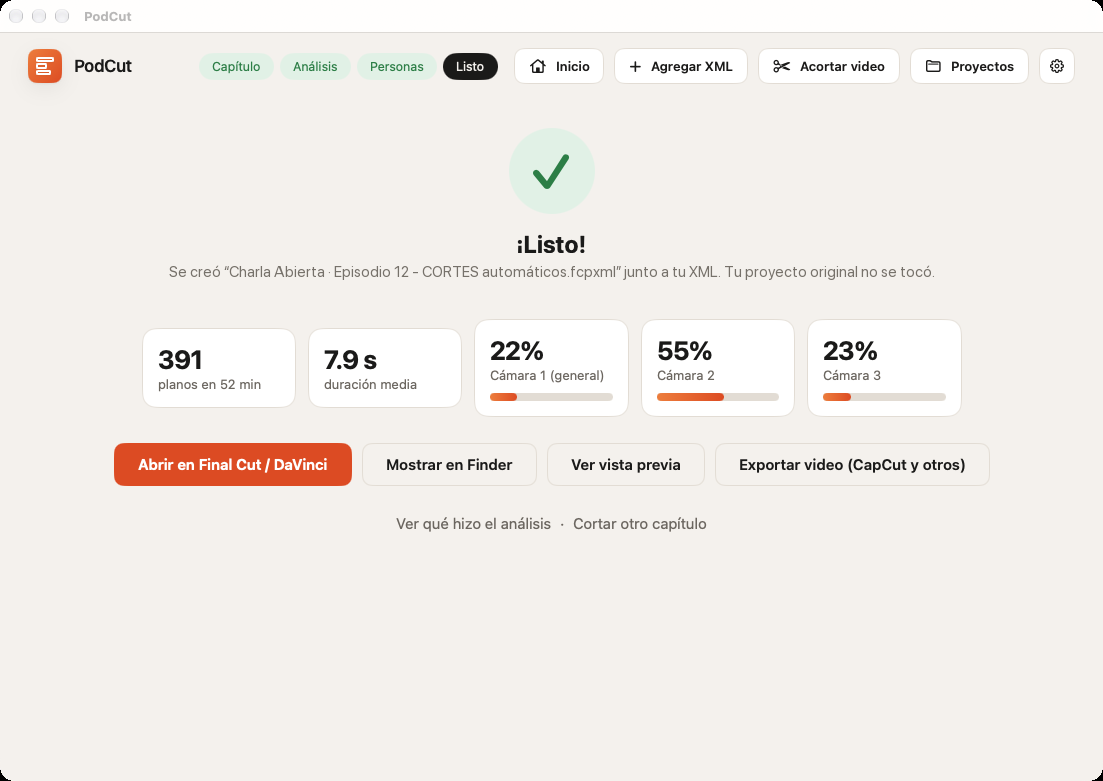
It leaves a new XML next to yours with every cut. Your original project isn't touched.
It doesn't cut every X seconds: it decides with what happens on screen and in the audio.
It recognizes each person's voice and how much they talk. Without audio, it reads lips.

It groups the faces of each camera and recognizes them from one chapter to the next.
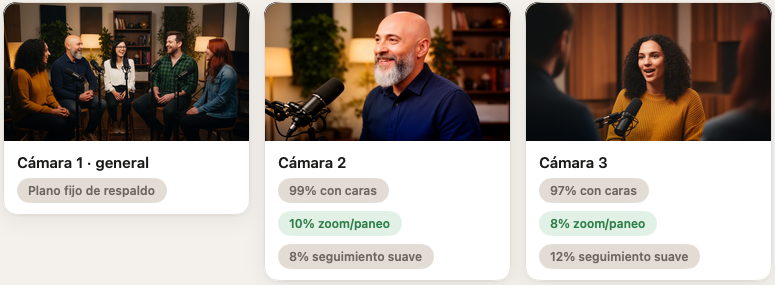
It notices zooms and pans so it never cuts in the middle of a move.
It finds the songs and cuts in time with the beat, like a music video.

It reads and writes Final Cut, DaVinci Resolve and Premiere Pro XML. For CapCut, export the video already cut.
A one-hour chapter with two closeup cameras is analyzed in about 5 minutes on a Mac with Apple silicon.
Real multi-camera episodes by C4 Trio: PodCut decided every camera change.
Videos load from YouTube only when you press play.
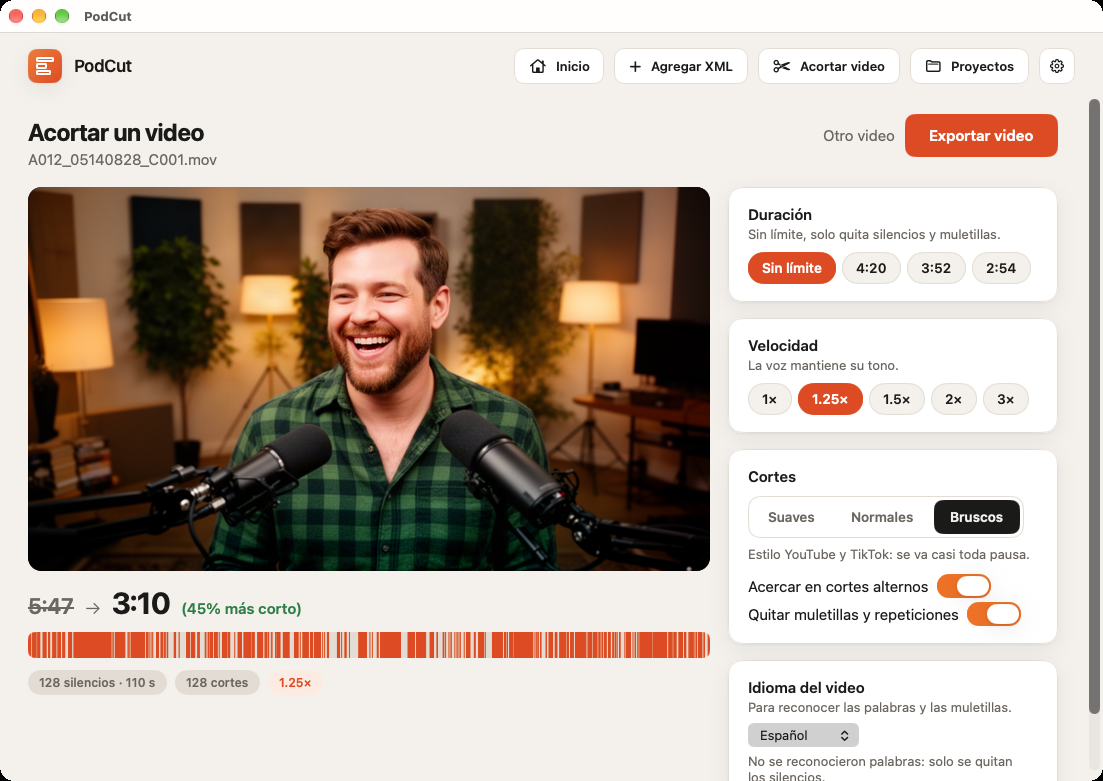
Drop a single-camera video and PodCut removes the silences and filler words. You choose the cuts and the speed.
Real PodCut data from a 2-minute single-camera clip.
Your videos aren't uploaded anywhere. Faces, voices and words are analyzed on your Mac's chip and stay there.
Download it free and cut your own chapters before you pay.
PodCut is a Mac app that edits podcasts recorded with several cameras by itself: every moment it picks the camera of whoever is talking and gives you back the cut project for Final Cut Pro, DaVinci Resolve or Premiere Pro. It also shortens single-camera videos by removing silences and filler words.
It's a free download: shortening videos is unlimited and you can cut 3 podcast chapters a month. PodCut Complete costs US$29.99, a one-time payment with no subscription, and removes the chapter limit.
It recognizes each person's voice and face on every camera, watches who moves their lips, avoids cameras that are moving and follows the beat of the music. With that it picks the shot every moment, like an editor would.
No. All the analysis happens on your Mac's chip and works offline. No accounts, ads or tracking.
Yes. “Shorten a video” works with vertical and horizontal videos: it removes silences and filler words, sets the speed from 1× to 3× and exports at the original resolution.
A Mac with Apple silicon and macOS 27 or later. For podcasts, a timeline with the cameras in sync in Final Cut Pro, DaVinci Resolve or Premiere Pro.
No. PodCut writes a new XML next to yours; the original stays the same. The audio isn't touched.
From 2 to 10: one wide shot and the closeups. You can mark any as “Don't use”.
Each different chapter you cut. Cutting the same chapter again doesn't use another. Shortening single videos never counts.
Use one camera's microphone, or none: then it knows who's talking by reading lips.
The app is in English, Spanish and Portuguese. Filler-word removal understands English, Spanish and Portuguese.
Purchases are handled by Apple; refunds are requested at reportaproblem.apple.com.
 PodCut